Metrics
Page views
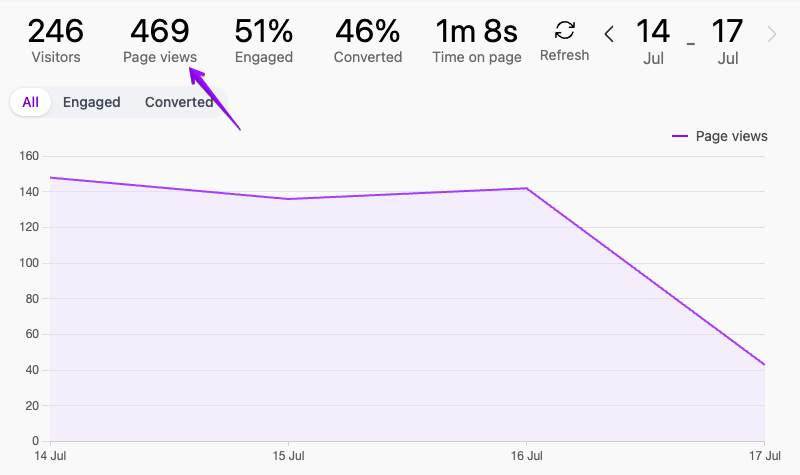
This is the primary metric that is reported when a page is loaded in the browser. It represents how many times all the pages were visited by all users.
This metric is presented in the dashboard summary, the chart, and all filter aggregations.
On the Views panel, each page view is represented by a single row in the table.
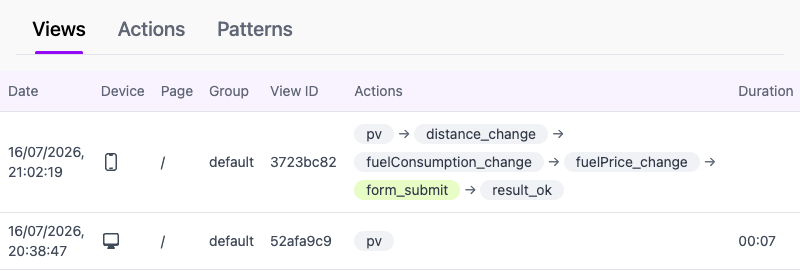
Every page view has a unique page view ID that identifies that view. The Views panel shows a short version of this ID in column View ID to help you track page views.
To be precise, this metric is reported when the PageActions.pageView() function is called. When you use a script tag integration or similar, this function is called when the page-actions.js script is loaded by the browser. In both cases, the page view is the first action reported before any custom actions.
Visitors
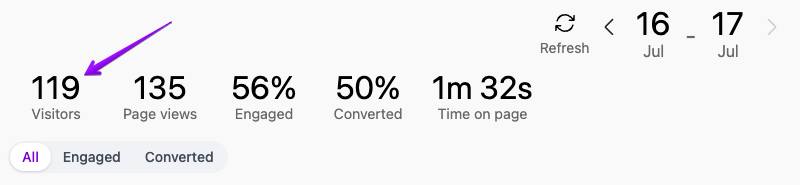
The Visitors metric shows how many times a new website visit was started.
Page Actions considers a page view as a new website visit when the referrer's domain is different than your site's domain. Also, when the referrer is missing (direct traffic), the page view is considered a new visit.
On the other hand, when a user navigates from one page to another on your website, then the referrer domain points to your domain. The subsequent page views are not counted as new visits, and the visitors metric is not incremented.
The visitors metric is shown as the first metric in the dashboard's summary.